Your computer, from any browser.
Sign in from any device and pick up exactly where you left off. Your desktop, apps, files, and settings follow your account — the only thing you need is a browser.
A complete operating system, delivered as a URL.
Switchboard runs the shell, apps, files, settings, and app permissions as a browser-native operating system. The browser is the display, not the product boundary.
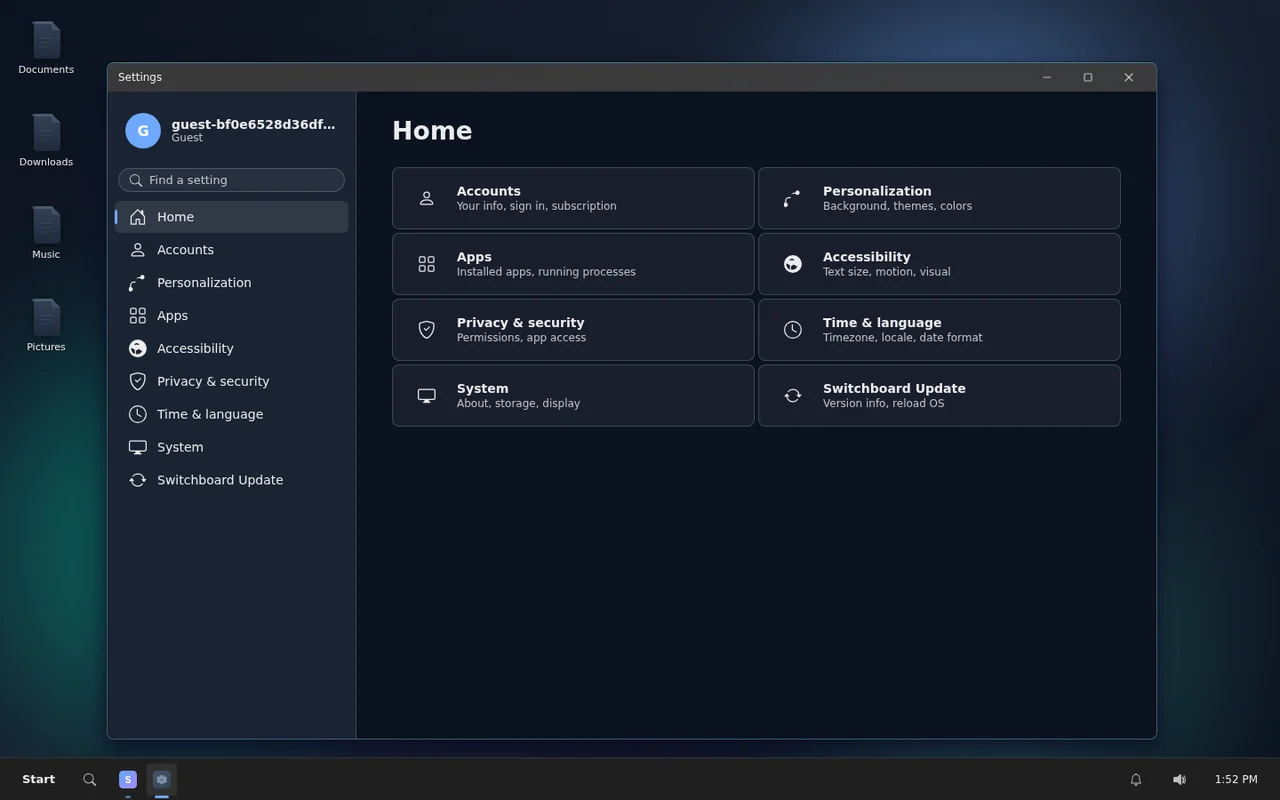
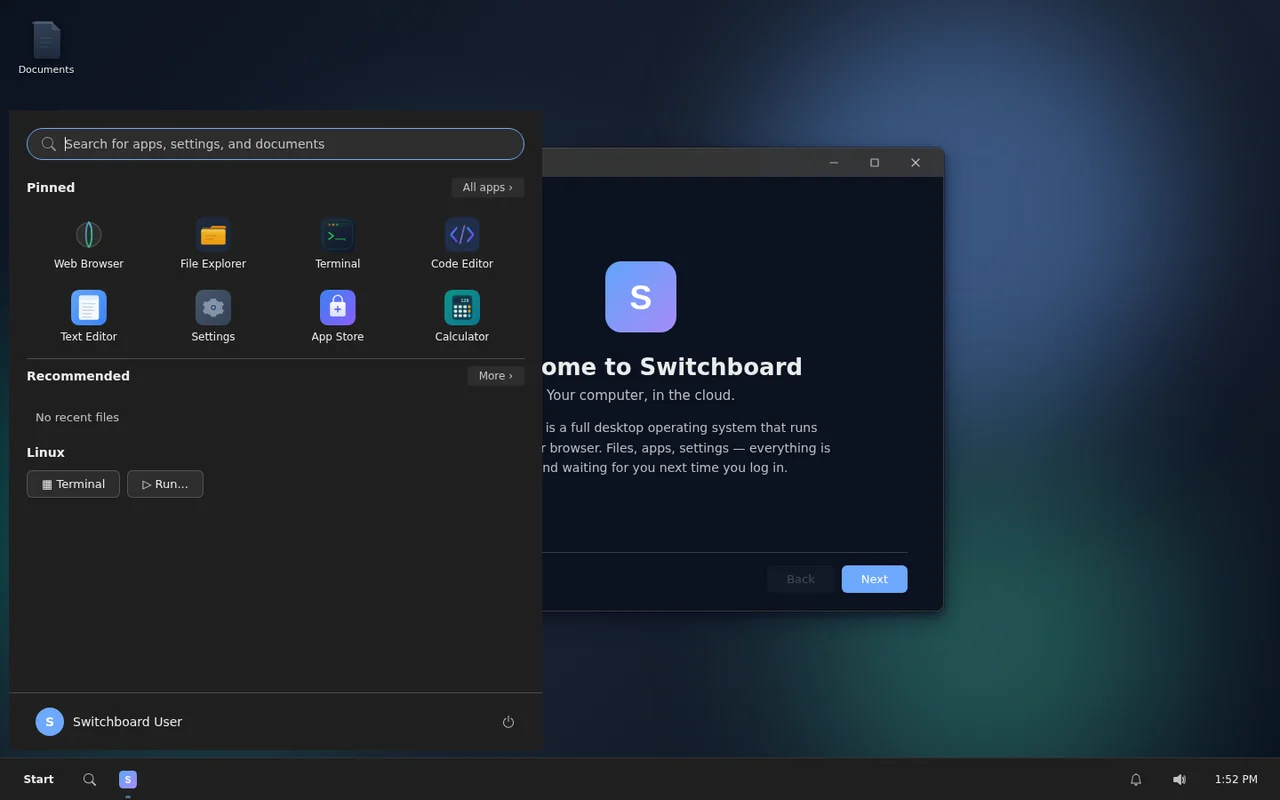
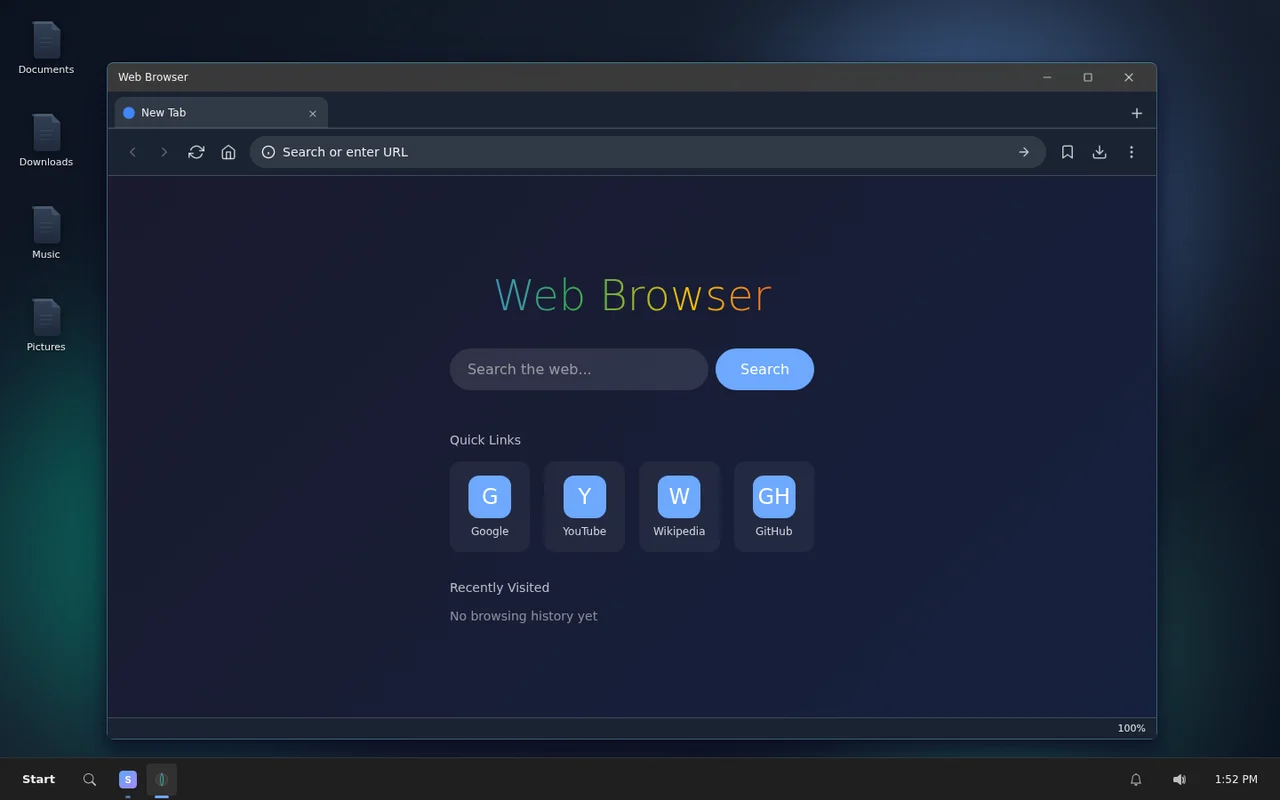
A familiar computer model, delivered as a web service.
Instead of syncing files between devices or renting a remote desktop, Switchboard gives your account its own operating system. The device in front of you only needs a browser.
A desktop that follows you
Open windows, launch apps, manage files, change settings, and resume work from another device without rebuilding your setup.
- Window manager, launcher, taskbar, and settings
- Files, settings, and layout persist between sessions
Apps that belong to the OS
Apps are installed, launched, sandboxed, and mediated by the browser kernel. They feel local to the workspace because the OS owns the services.
- Files, permissions, IPC, and privileged APIs
- Office, browser, terminal, media, and utility apps
- Built-in app store for installation and publishing
A real Linux terminal, built in
Shells, CLIs, build tools, and scripts run from the same desktop. No SSH setup, no separate VM — just open a terminal and go.
- Terminal access from inside the OS
- Container-backed compute on paid plans
- Outbound network access for real workflows
Ship apps into the OS
Write, test, and publish apps into the environment your users already have. The platform is the development environment.
- Code editor and project file tree
- AI-assisted app generation
- App publishing on Pro and above
Run Windows apps, too
Wine is pre-configured on paid plans so legacy tools, niche utilities, and older .exe software run from the same desktop. No separate Windows machine, no VM, no license required.
- Launch .exe applications directly from the workspace
- Wine pre-installed and ready on Pro and above
- No Windows license or separate machine needed
- App compatibility varies by title
Sign in. Your OS boots in the tab.
No local install, no remote client, no device-specific setup. Sign in and your workspace is ready — every time, on any device.
Open a browser
Create a free account or sign in with OAuth. Any modern browser is all you need.
Resume your desktop
Your apps, files, settings, and workspace surfaces load from persistent account storage.
Use apps or Linux
Write documents, browse files, code projects, open terminal tools, install apps, or publish your own.
Your computer moves with you.
Stop caring which machine you are on
Use the same desktop from a personal laptop, tablet, low-end machine, or temporary device.
- Persistent files and settings
- Browser-only access
- Works as a portable workstation
Keep your dev machine in the cloud
Open an editor, terminal, project files, browser tools, and Linux-backed compute from the same OS.
- Terminal and CLIs
- Project file storage
- Build and app workflows
Create apps inside the platform
Build, test, reload, and publish apps from inside the same web operating system where they run.
- Studio and Builder workflows
- Sandboxed app runtime
- Publishing on Pro and above
Your workspace is ready in seconds.
Create a free account. No credit card required. Your desktop, files, and apps are ready the moment you sign in.